TUTORIAL SERIES
Learn CueDeck
The complete guide to running live events with CueDeck — from first setup to AI-assisted production. 21 episodes covering every feature.
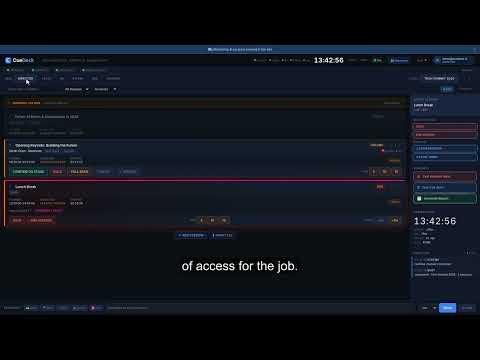
Welcome & Overview
A full overview of what CueDeck does and a walkthrough of the six roles — director, stage, AV, interpretation, registration, and signage.
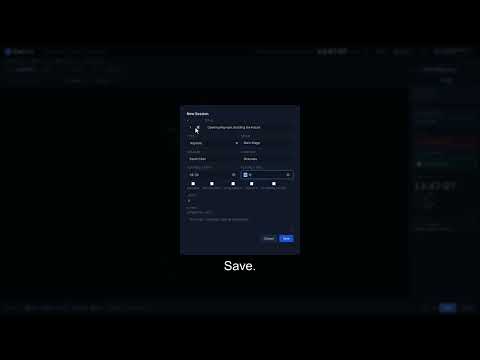
Your First Event
Create an event from scratch — event details, sessions, rooms, speakers, and running order. Ends with a full programme ready to go live.
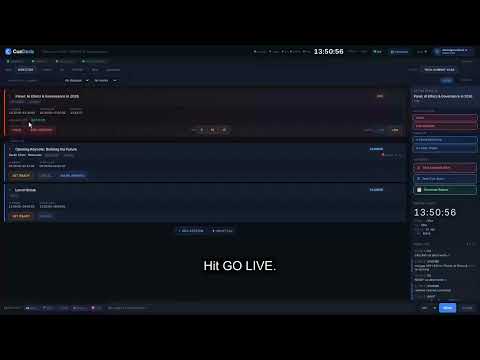
Running Live
The core of CueDeck: the full session lifecycle — PLANNED, READY, CALLING, LIVE, HOLD, OVERRUN, ENDED — with the delay nudge cascade.
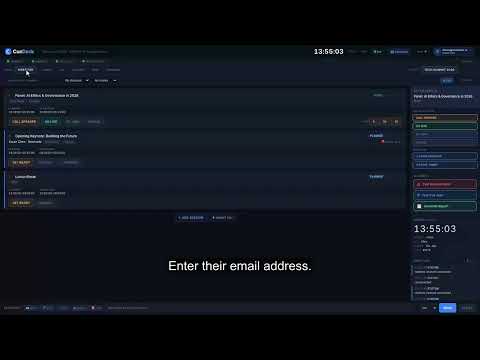
Roles & Team
Explore all 6 roles and exactly what each can see and do. Walk through the team invite flow to get your whole crew connected before show day.
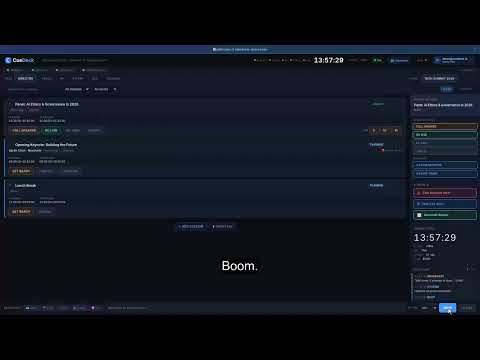
Broadcast Bar
No more group chats during a live event. Send a message to every connected device instantly. One-click presets for your most common announcements.
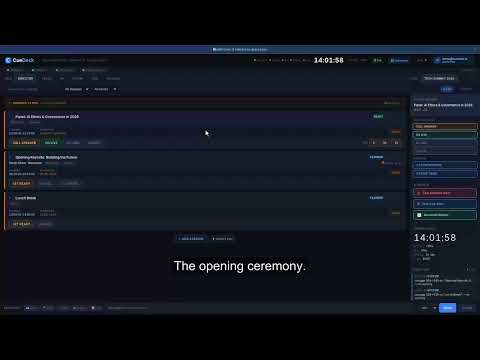
Delay Cascade
When a session runs long, CueDeck automatically shifts every subsequent session. See anchor sessions, cascade visualiser, and instant reset.
AI Incident Advisor
When something goes wrong on stage, the AI Incident Advisor gives you a prioritised action plan in seconds. Demo with a real incident scenario.
AI Cue Engine
The Cue Engine fires 8 minutes before every session with an AI-generated readiness checklist — mic, slides, speaker, AV. Never miss a pre-cue.
AI Report Generator
After the event, generate a full debrief: session variance, incident log, executive summary, and AI narrative — ready to send to your client.
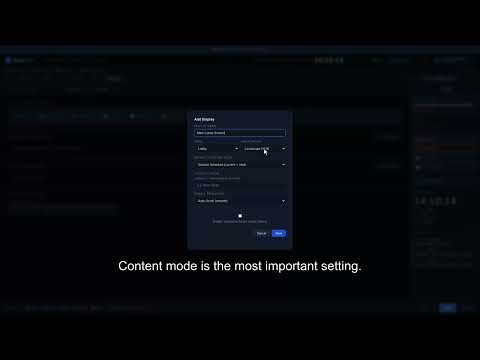
Signage Setup
Turn any browser tab into a live venue display. Lobby monitors, stage-side screens, backstage tablets — all updating in realtime from your console.
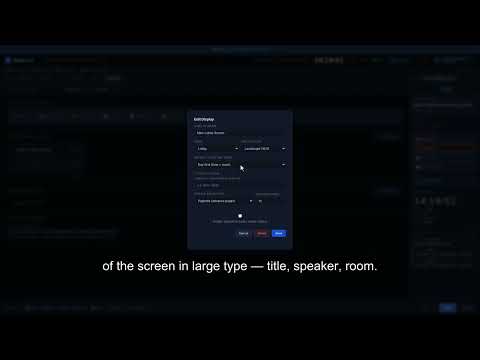
All 11 Display Modes
A complete walkthrough of every display mode: schedule, agenda, timeline, programme grid, next-up, sponsors, stage timer, and more.
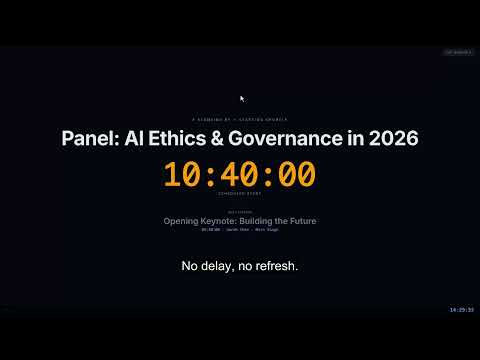
Stage Monitor
A fullscreen overlay showing the current LIVE session in giant text. Colour-coded by urgency — green, amber, red, OVERRUN, HOLD.
Stage Timer
A fullscreen speaker countdown — standby, green, amber, red, overrun flash, and hold freeze. Set up once, runs for the whole event.
Timeline & Programme
Timeline mode shows sessions as a chronological list. Programme mode shows a time × room grid — perfect for a lobby overview screen.
Sponsor Signage
Upload sponsor logos to CueDeck, add them to the rotating sponsor display, and show branded content on your venue screens between sessions.
Event Log
Every state change, broadcast, and delay is logged automatically. Use the event log during the event and export a full audit trail after.
Keyboard Shortcuts
Speed up your workflow with keyboard shortcuts and the Cmd+K command palette — quick reference, help docs, and instant navigation.
Mobile & Tablet
CueDeck is fully responsive. Run it on any device — laptop, tablet, phone. See how the layout adapts for each role on smaller screens.
Billing & Plans
Walk through the three pricing plans — Pay-per-Event, Starter, and Pro — and manage your subscription from inside the console.
Multi-Room Events
Running a conference with 4+ parallel tracks? Structure sessions by room, filter views per role, and keep delays room-isolated.
Full Walkthrough
The complete CueDeck experience in one session — create event, invite team, run 10 sessions live, use AI agents, manage signage, export report.
Ready to follow along?
Start your free trial and open the console while you watch — the best way to learn CueDeck is hands-on.